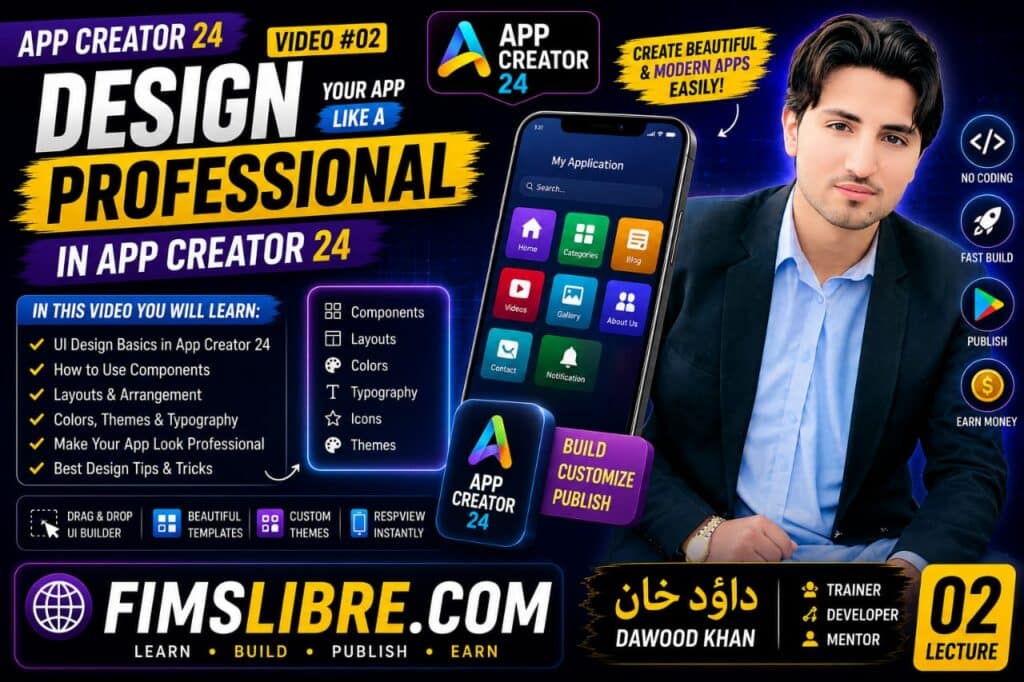
🎨 AppCreator24 Tools & Design – Complete Guide to Building Professional Mobile App Interfaces
Welcome to this important lesson of the App Development Course on FIMSLIBRE.COM. In this section, we will focus on one of the most crucial parts of mobile application creation — App Design and Tools inside AppCreator24.
If you want to build a successful mobile application, then understanding design is just as important as understanding functionality. A poorly designed app loses users quickly, while a clean, modern, and user-friendly design keeps users engaged and improves overall performance.
About This Educational Resource
This educational resource is shared to help students, teachers, and language learners improve their reading habits, knowledge, vocabulary, and learning skills. Educational books play an important role in personal growth, academic success, and self-learning development.
Benefits of Reading This Book
Reading educational books can improve communication skills, increase understanding, support critical thinking, and help learners discover new ideas and concepts in an easy and effective way.
Why Should You Read This Book?
This book can be useful for students, beginners, teachers, and readers who want to improve their educational knowledge and develop better learning abilities through regular reading and practice.
In AppCreator24, you don’t need coding skills to create beautiful app interfaces. Instead, you use built-in tools, templates, layouts, and customization options to design your application step by step.
What Is App Design in AppCreator24?
App design refers to how your mobile application looks and feels for users. It includes everything from layout structure, colors, fonts, navigation, buttons, icons, and content arrangement.
In AppCreator24, design is created using visual tools that allow you to arrange elements without writing any code. This makes the process simple even for beginners.
The main goal of app design is to provide a smooth and enjoyable user experience while making the application easy to navigate.
Why App Design Is Important?
Many beginners focus only on adding content, but ignore design. However, design plays a major role in user engagement and retention.
- Improves user experience (UX)
- Makes the app look professional
- Increases user retention
- Builds trust with users
- Helps in monetization success
- Improves navigation structure
A well-designed app keeps users coming back, while a poorly designed app is often uninstalled within seconds.
Understanding AppCreator24 Design Tools
AppCreator24 provides a variety of tools that help you design your application easily. These tools are designed for beginners as well as advanced users.
1. Layout Builder
The layout builder is the core design tool. It allows you to structure your app screens by adding sections, rows, and components.
You can decide how your content will appear, such as text placement, image positioning, and menu arrangement.
2. Theme Customization
Themes define the overall look of your application. You can choose colors, backgrounds, and styles that match your brand identity.
A good color combination makes your app visually appealing and professional.
3. Menu Design Tools
Navigation is one of the most important parts of any app. AppCreator24 allows you to create menus that help users move between different sections easily.
A simple and clear menu improves usability significantly.
4. Content Blocks
Content blocks allow you to organize information inside your app. You can add text, images, videos, and links in a structured way.
This helps in creating clean and readable layouts.
5. Icons and Visual Elements
Icons make your application more attractive and easy to understand. AppCreator24 provides built-in icons that can be used in menus and buttons.
Proper use of icons improves user interaction and engagement.
Principles of Good App Design
To create a professional application, you must follow some basic design principles. These principles help improve user experience and overall app quality.
Simplicity
Avoid unnecessary complexity. Keep your design clean and simple so users can easily understand your app.
Consistency
Use the same colors, fonts, and styles throughout your application to maintain a uniform look.
Clarity
Make sure every button, menu, and section is clearly labeled and easy to understand.
User Experience (UX)
Always design your app from the user’s perspective. A good UX means users can achieve their goals quickly and easily.
How to Design a Professional App in AppCreator24
Creating a professional app in AppCreator24 involves following a step-by-step process.
- Start with a clear app idea
- Choose a simple layout structure
- Select appropriate colors and themes
- Organize content properly
- Add navigation menus
- Use high-quality images and icons
- Test the app before publishing
Following these steps ensures that your application looks professional and functions smoothly.
Common Design Mistakes Beginners Make
Many beginners make mistakes that reduce the quality of their applications. Avoiding these mistakes can significantly improve your results.
- Using too many colors
- Overcrowded layouts
- Confusing navigation
- Low-quality images
- Ignoring mobile responsiveness
- Not testing user experience
A clean and minimal design always performs better than a complex one.
Advanced Design Tips
Once you understand the basics, you can improve your app design with advanced techniques.
- Use spacing properly for readability
- Focus on visual hierarchy
- Highlight important content
- Use contrast for better visibility
- Keep performance optimization in mind
These small improvements can make your app look highly professional.
Final Thoughts
App design is one of the most important parts of mobile app development. Even if your app has great content, poor design can reduce its success. On the other hand, a well-designed app can attract more users and increase engagement significantly.
With AppCreator24 tools, you don’t need coding knowledge to create professional-level designs. You just need creativity, consistency, and understanding of basic design principles.
This lesson from FIMSLIBRE.COM is designed to help you build a strong foundation in app design so that you can create modern, clean, and user-friendly applications with confidence.
As you continue learning, you will become more skilled in designing apps that not only look good but also perform effectively in real-world usage.
📚 Related Books

Becoming Fluent in German 150 Short Stories Book
View Book →
Easy German Dialogues Practice for Beginners Book
View Book →
Learn Spanish For Beginners And Short Stories Book
View Book →
COLLINS EASY LEARNING – Complete Spanish Grammar + Verbs + Vocabulary
View Book →
The Ultimate Spanish Verb Review and Practice Book
View Book →Join Our Facebook Learning Groups
🇩🇪 Learn German Free 🇬🇧 English Learning Group 🇪🇸 Spanish Learning GroupJoin our educational Facebook communities to improve your language skills, practice daily conversations, and connect with learners from around the world.